
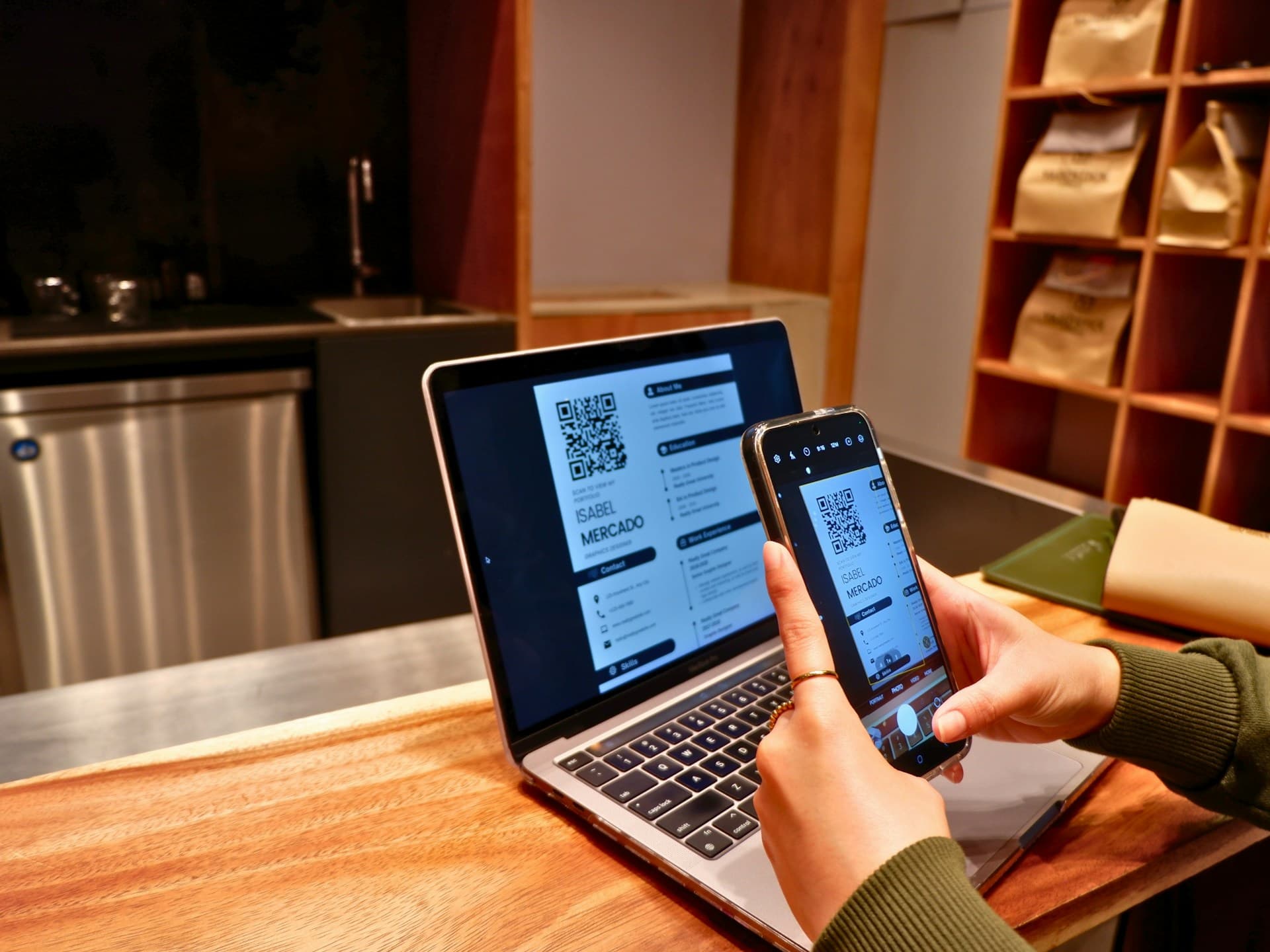
The solution is at your fingertips – preparing and activating an electronic menu using a QR code with modern technological solutions is very simple.
QR menu for catering
Recently, this solution has been gaining popularity. However, despite the many available solutions, it is worth paying attention to the functionality offered by each one. Many of them only allow you to play the menu in PDF format and offer it to customers in this form, displayed on smartphone screens. Browsing such a QR menu and trying to select dishes is an ordeal for customers. Reducing a regular menu, often in A4 or larger format, to a smartphone screen is not the best solution. We strongly recommend solutions optimised for mobile devices to ensure maximum comfort for your customers. An example of such a solution is WMenu.pl, which, from the customer’s perspective, has an interface adapted to mobile devices. On the other hand, for the person managing the restaurant, it allows them to freely shape the offer presented in the digital menu, i.e. freely add categories, dishes and products, manage prices, availability and the way the offer is presented in the menu. This QR menu solution is functional for both restaurant customers and the manager of the catering establishment. It has all the functionality we expect from this type of catering software.
Creating a QR menu in 3 steps
Creating an electronic menu is very simple, but that does not mean it does not require time and minimal effort.
1. Register your establishment on WMenu.pl
The first step is to register your establishment on the website. The registration process is very simple and requires only key information to create a profile in the restaurant’s digital menu. At this stage, you can also personalise your electronic menu, i.e. add a photo of the establishment, a description, contact details and set the opening hours. This information is important because it allows you to link your QR menu to your restaurant’s profile on Google. Once you have done this, all changes you make on WMenu.co.uk will be visible in the search engine.
2. Generate a QR code and complete the menu
After registering on the website, your QR code is ready to download. You can do this from the main menu – click on the download QR code button. However, in order for the electronic QR menu to be functional, you still need to complete it. The interface for editing the menu is very simple and intuitive, but the process of adding items to the menu takes a while, especially if you have many items on offer at your restaurant. It is not worth rushing and compromising here. Remember that the data you enter into the digital QR menu will be visible to your customers. Make sure that the descriptions, prices and, if applicable, photos are correct. We particularly encourage you to add photos, as they significantly improve the aesthetics of the menu. If you do not have photos of the dishes, do not worry, complete the digital QR menu without this element and you can add photos in the future.
3. Place the QR code in a visible location along with instructions on how to use the digital menu.
At this stage, you already have everything you need from a technological point of view. You can start communicating in your premises and switch to a digital QR menu. All you need to do is prepare communication about the new solution for consumers in your restaurant. You can do this yourself by printing QR codes and placing them in a visible place on the tables. However, we encourage you to take advantage of WMenu.pl’s offer of ready-made POSM materials, which you can order and use to communicate your digital QR menu. The website often offers promotional packages which, when you purchase an annual subscription to the QR menu service in its basic version, include a free set of high-quality table stands with attractive graphics communicating the digital menu service.
And that’s really all there is to it. Once you have your table stands ready, you can start using the electronic QR menu. Your customers will certainly appreciate the convenience and functionality of this solution, and your establishment will save money on reprinting menus and advertising your offer online, while improving customer service, which will allow you to accommodate more guests.
Tags: QR menu, digital menu, electronic menu